Step 1
Get the app
Download MySafeCard from Google Play, or open mysafecard.in in any browser. Sign up free with Google or your email.
MySafeCard keeps your blood group, allergies, medical conditions and family contacts on a wallet card. Anyone who helps you in an emergency can tap or scan it to see them, without any app. Here is how it works.
You don't need the app, an account or a password. Any phone works.
The card gives you information. It does not replace an ambulance or the police.
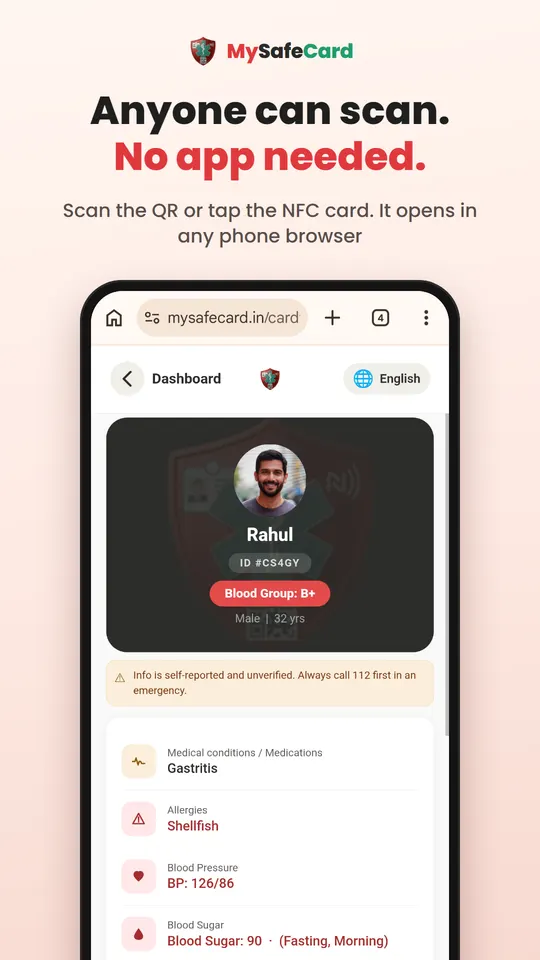
Hold the card against the back of an Android phone with NFC on, or scan the QR code with any phone camera. Their emergency profile opens in the browser.
You will see their blood group, allergies, medical conditions and medicines. Tap Call to reach their emergency contact. Tell the doctor or ambulance crew what the card says.
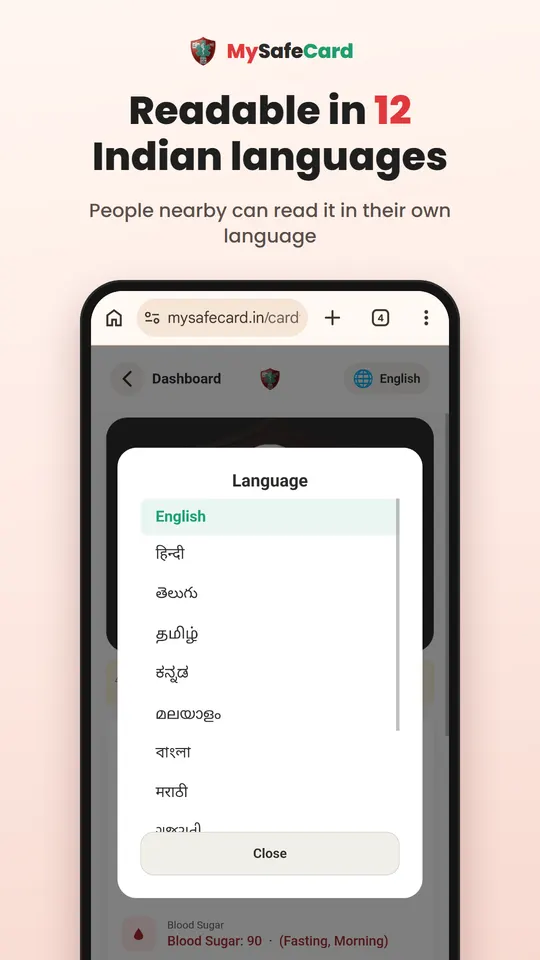
Tap the 🌐 language button at the top to read the card in Hindi, Telugu or 10 other Indian languages.
It takes about five minutes. The digital card is free.
Download MySafeCard from Google Play, or open mysafecard.in in any browser. Sign up free with Google or your email.
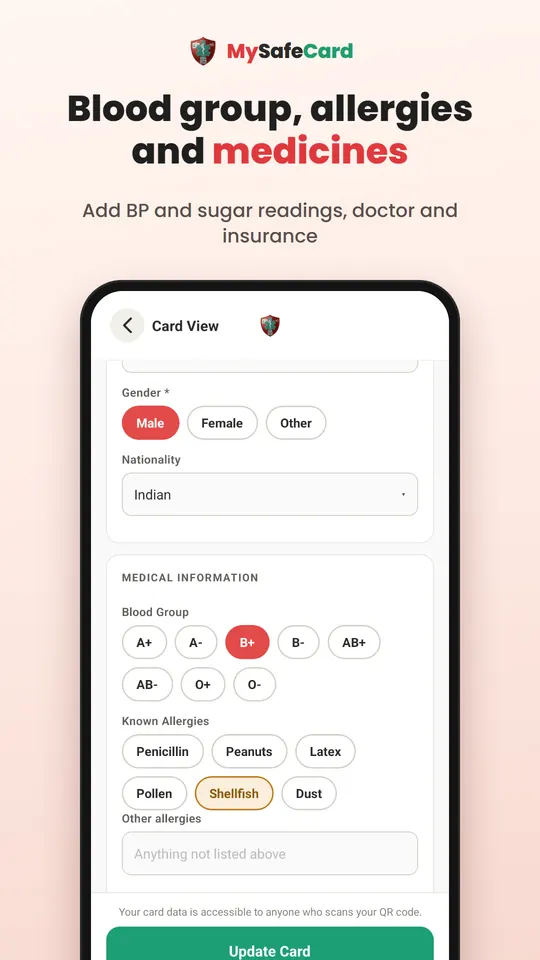
Add your name, photo, blood group, allergies, medical conditions and medicines. You can also add BP and sugar readings and your health insurance.
Add a family member's name and phone number. They get an SMS link to approve being your emergency contact. You can also share the approval link with them yourself.
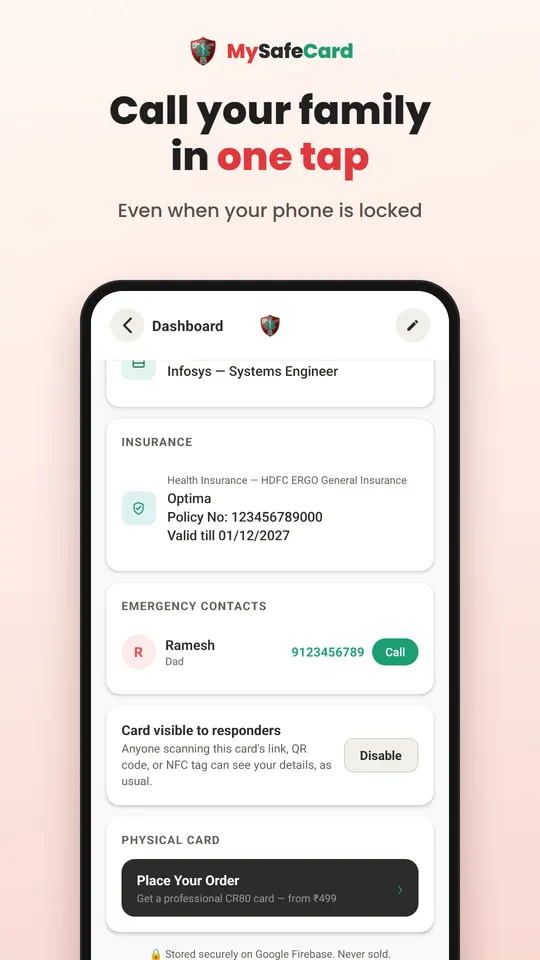
Your digital card and QR link work straight away. For your wallet, order a printed QR card or an NFC + QR card from the app once your contact has approved. It is delivered free across India.
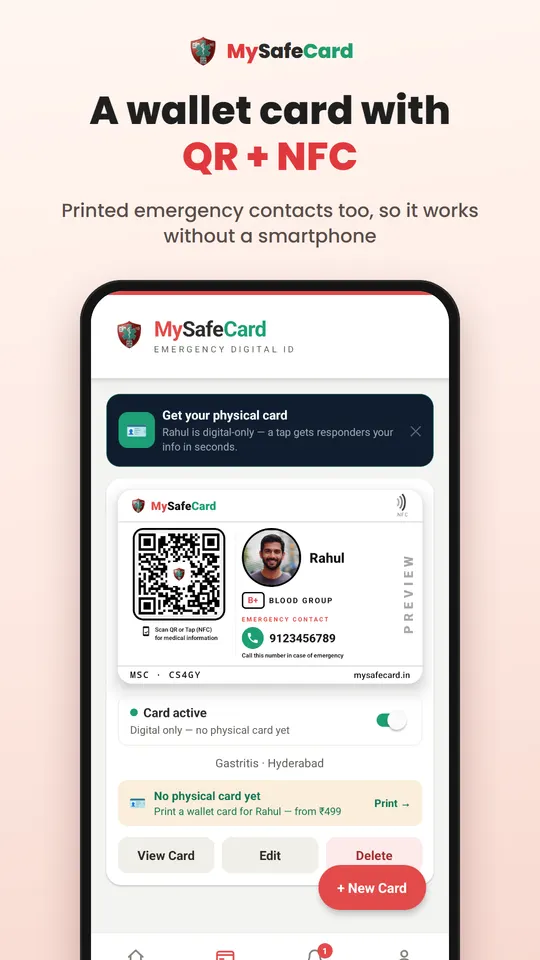
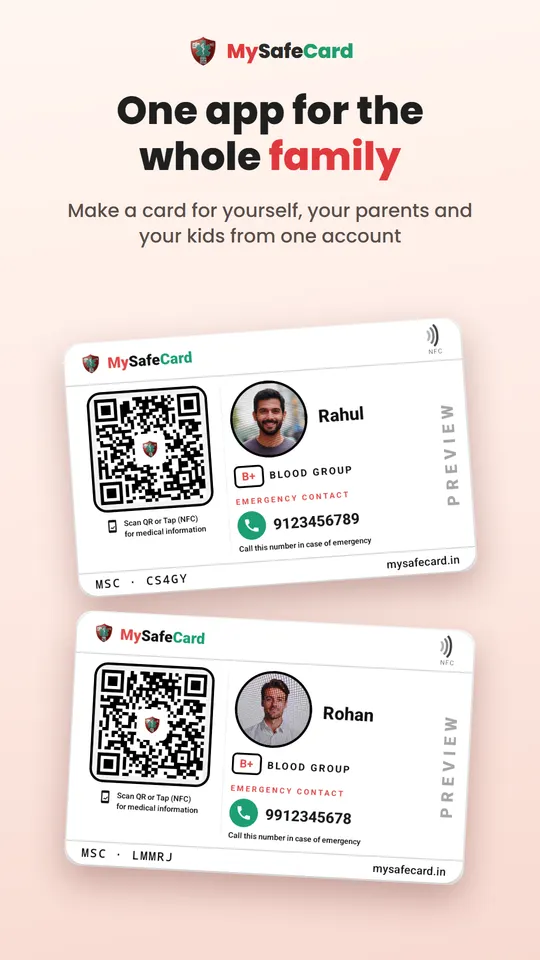
Keep it in your wallet, bag or phone cover. Make cards for your parents and children from the same account and put theirs in a pocket or school bag.
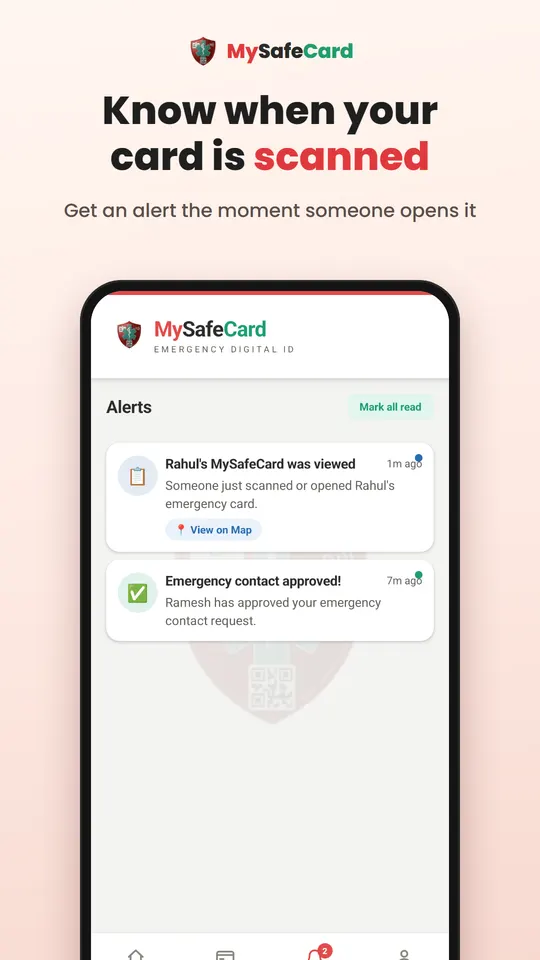
You get an alert whenever your card is scanned, with a map if the person scanning allows location. Update your details any time; the printed card never needs reprinting. You can switch the card off whenever you want.
Create your emergency medical ID in about five minutes. Free for your digital card.
